A Voice-Activated Teleprompter That Scrolls as You Speak
Recording a YouTube video? Reading a podcast script? Going live on Twitch? VocalScroll listens to your voice and scrolls your text automatically. No clickers, no foot pedals, no awkward pauses. Just speak naturally.
How it works
Three steps. No accounts, no downloads, no credit card.
Paste your script
Copy your video script, podcast notes, or presentation text and paste it into the editor.
Hit start & speak
Press the start button and begin talking. The text scrolls in sync with your voice, matching your natural reading pace.
Record or just read
Record yourself on video, capture audio only, or simply use it as a scrolling script reader with no recording at all. Your choice.
Built for creators who speak on camera
Whether you are a beginner recording your first video or a professional running a daily show, VocalScroll keeps your words flowing.
YouTubers
Read your script while looking directly into the camera. No more forgetting lines or cutting between takes.
Podcasters
Follow your episode outline, sponsor reads, and intro scripts without losing your flow.
Live Streamers
Keep talking points on screen while streaming on Twitch, YouTube Live, or any platform.
Teachers & Trainers
Record clean online lessons, training videos, and course content with a smooth, professional delivery.
Business Presenters
Deliver polished sales pitches, investor demos, and company announcements without fumbling.
Public Speakers
Practice speeches, sermons, and keynotes at your own pace before stepping on stage.
Everything you need, nothing you don't
Voice-Activated Scrolling
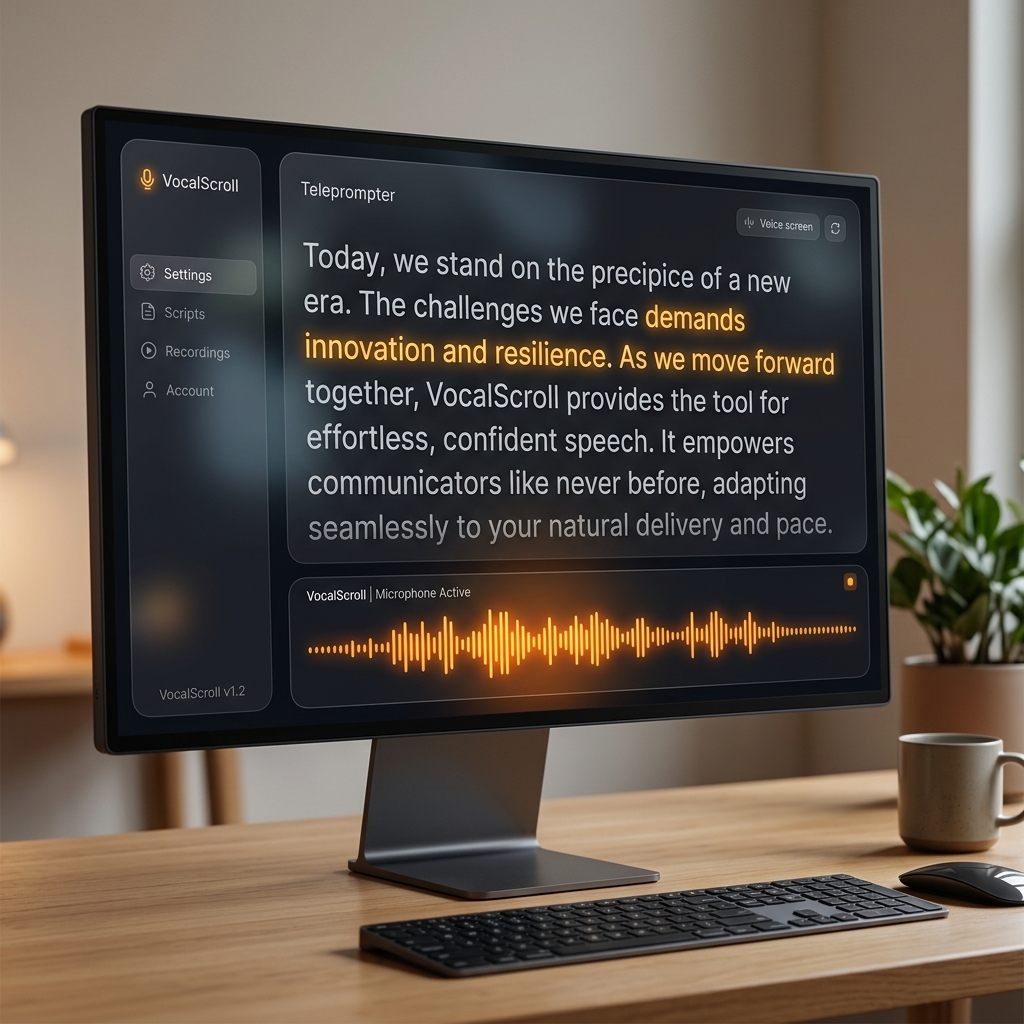
The teleprompter follows your voice in real time. Speak faster and it speeds up. Pause and it waits. No remote control or foot pedal needed.
Video, Audio, or Teleprompter Only
Record yourself on camera, capture audio only for a podcast, or just use the scrolling teleprompter with no recording at all. Pick the mode that fits your workflow.
Save & Organize Scripts
Keep all your video scripts, episode outlines, and presentation notes in a local library. They are always ready when you are, even offline.
23 Languages
Speak in English, Spanish, French, German, Japanese, Korean, Chinese, and 16 more. The voice engine is optimized for each language.
100% Private & Offline
Your scripts, voice, and recordings never leave your device. No cloud uploads, no data collection, no accounts. Your content stays yours.
Desktop App & Mobile
Install VocalScroll as a desktop app on your PC or Mac, or get the official Android app from Google Play. Works offline, everywhere.

Frequently Asked Questions
How does a voice-activated teleprompter work?
VocalScroll listens through your microphone as you read your script out loud. It recognizes what you are saying in real time and automatically scrolls to keep up with your pace. When you pause to take a breath or a sip of water, the scrolling pauses too. When you speed up, it speeds up. It is like having someone follow along with their finger, but completely hands-free.
Is VocalScroll really free?
Yes, 100%. There are no monthly fees, no trials, no hidden costs, and no features locked behind a paywall. You do not need to create an account or give us your email. Just open it and start reading.
Can I use VocalScroll for YouTube videos and podcasts?
Absolutely. That is exactly what it is built for. You can record yourself on video while reading your script, capture audio only for podcast episodes, or just use it as a scrolling text reader while you record with your own software like OBS, Riverside, or Descript.
Does it work without internet?
Yes. VocalScroll processes your voice entirely on your device using local AI. Once the page has loaded, you can disconnect from the internet and everything continues to work. This is great for recording in studios, on location, or anywhere without reliable Wi-Fi.
What languages does it support?
VocalScroll supports 23 languages including English, Spanish, French, German, Italian, Portuguese, Chinese, Russian, Japanese, Korean, Hindi, Turkish, Vietnamese, Dutch, Catalan, Farsi, Ukrainian, Kazakh, Swedish, Esperanto, Czech, Polish, and Uzbek. Each language uses its own voice recognition engine optimized for that language.
Can I install it as an app on my computer or phone?
Yes. You can install VocalScroll as a desktop app on your PC or Mac directly from Chrome or Edge. For Android, you can download the official app from the Google Play Store. Once installed, you can launch it like any other app and use it fully offline.